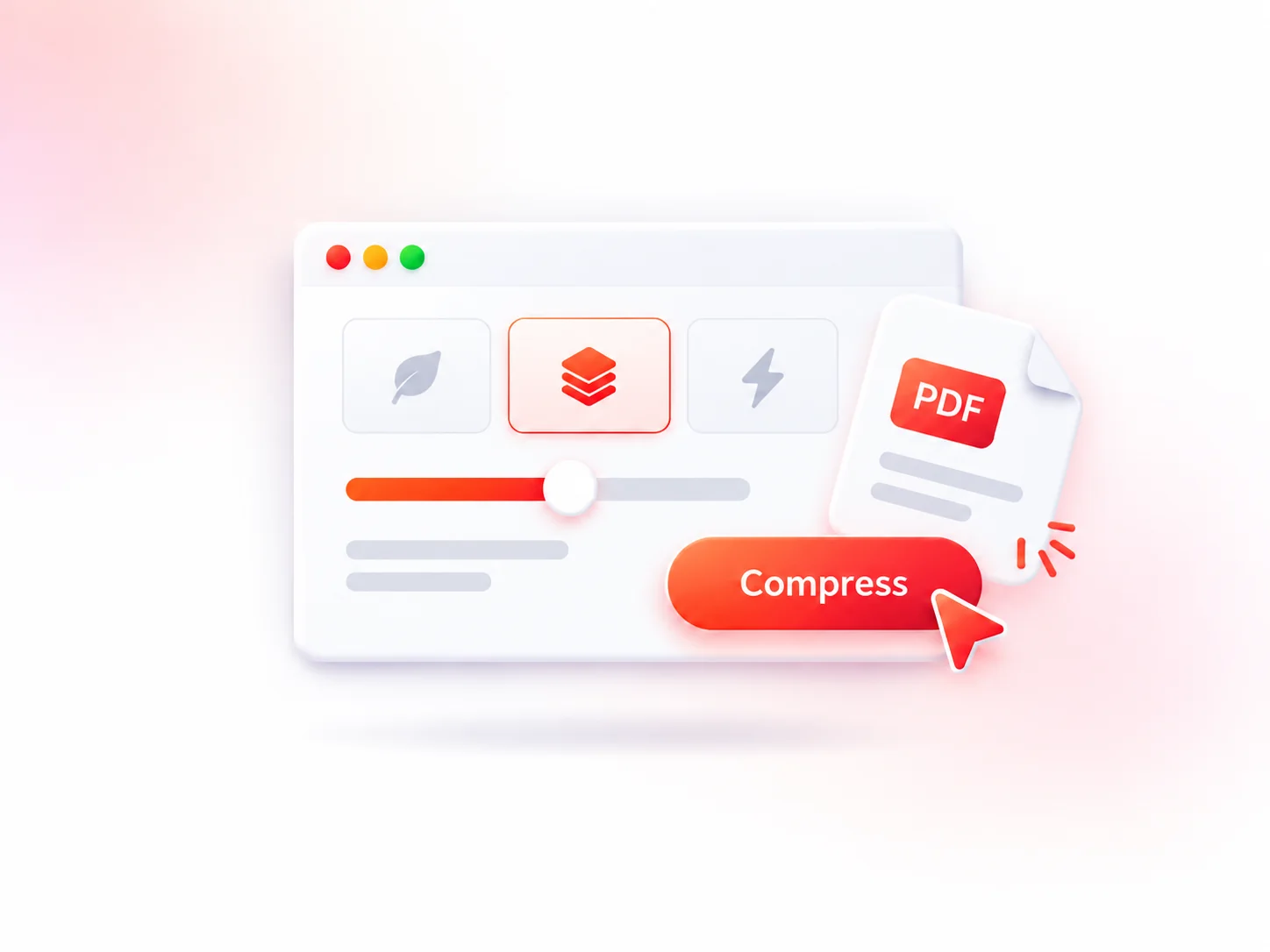
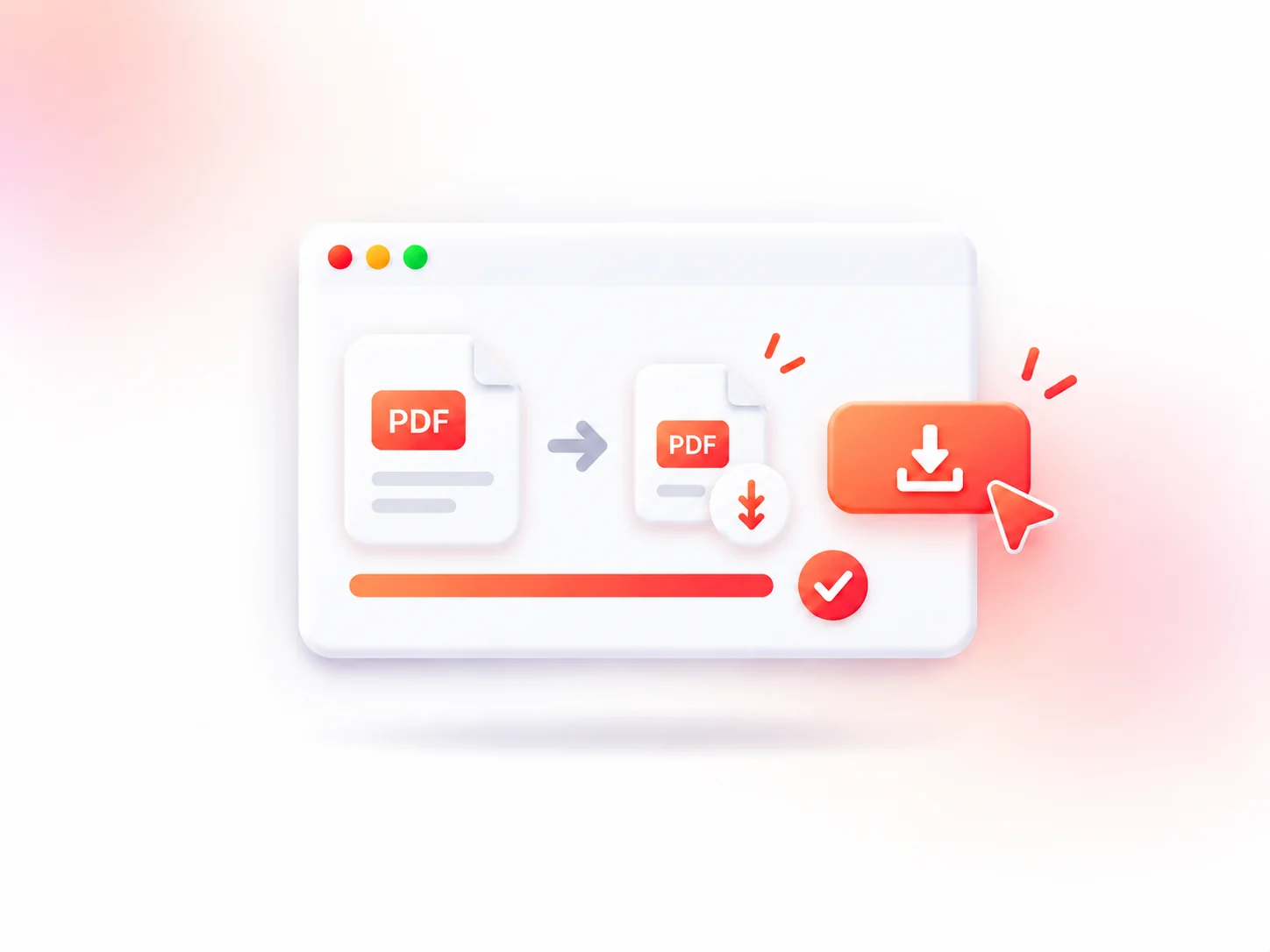
Up to 80% Smaller
Our PDF reducer uses advanced compression to reduce file size by up to 80% while maintaining readability. Create smaller documents that are easier to upload, share, and store.
 PDFCompress
Reduce PDF size with our free PDF compressor. Maintain high quality for seamless sharing and faster uploads.
Or drag and drop your PDF files here
Max file size: 1GB · Up to 5 PDFsYour files are automatically deleted within 24 hours for better privacy protection.
Many tools add watermarks, or limit your usage. This PDF compressor provides a simple way to reduce file size with high-quality compression, flexible settings, and no unnecessary steps.
Our PDF reducer uses advanced compression to reduce file size by up to 80% while maintaining readability. Create smaller documents that are easier to upload, share, and store.
Every uploaded file is encrypted during transfer and processing. Original and compressed PDFs are automatically deleted within 24 hours, ensuring your documents are not stored or shared.
Compress PDFs quickly while keeping text, images, and formatting clear. Smart compression technology helps reduce file size while preserving the original look of your documents.
Choose from high, medium, or low compression modes to balance file size and quality based on your needs. Adjust compression settings easily before processing.
Compress one or multiple PDF files with a simple and intuitive workflow. Upload up to 5 PDFs at once and complete PDF compression quickly without repeating the process.
Use a PDF compressor directly from your browser without installing software or creating an account. Enjoy a convenient way to reduce PDF size anytime, anywhere, with no hidden fees or watermarks.
Compressing a PDF is quick and easy. Follow these simple steps to reduce your PDF file size and create a smaller document in just a few clicks.
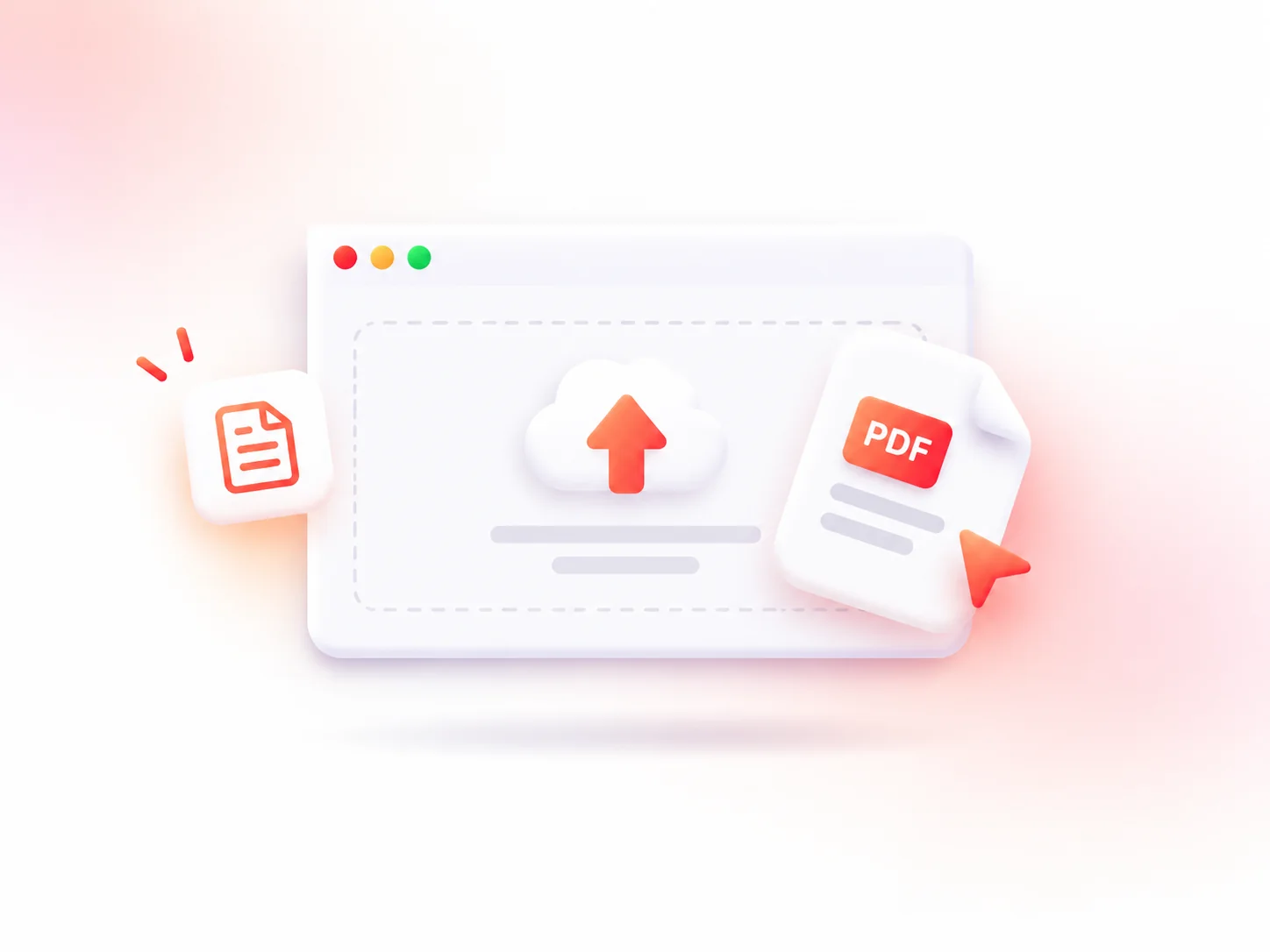
Click the upload area or drag and drop your PDF file to get started. Files up to 1GB are supported, making it easy to compress large PDF documents online.
Select your preferred compression level based on your needs, then click the “Compress” button. The PDF compressor will automatically reduce file size according to your selected settings.
Wait a few moments while your file is being compressed. Most PDFs are processed within minutes. Once complete, click “Download” to save your compressed PDF with no watermark.
Different compression levels help you balance PDF file size and visual quality. The PDF compressor lets you select the exact mode for your needs—from preserving crisp details to achieving the maximum file reduction.
Keeps more details and preserves document quality. Ideal for presentations, portfolios, and files that need professional printing.
A balanced choice between file size and quality. Perfect for emails, reports, applications, and regular document sharing.
Creates smaller PDF files with stronger compression. Recommended for large PDFs, online uploads, and saving storage space.
Removes color information to reduce PDF size further. Suitable for documents where color is not necessary.
Using a PDF compressor helps reduce PDF size while keeping your documents easy to share, store, and access.
Start Compressing
Many email providers limit attachment sizes, making it difficult to send large PDF files. Compressing PDFs helps reduce file size so you can easily share reports, invoices, applications, and other documents without size restrictions.
Many websites, job portals, and online services have strict file upload limits. A PDF compressor helps reduce file size, making it easier to upload your documents.
Large PDF collections can quickly consume storage space. PDF compression helps shrink PDF size, making it easier to organize, store, and manage more documents efficiently.
Smaller PDFs load faster and share effortlessly across messaging apps and mobile platforms. Using a PDF compressor ensures smooth access and quick viewing across different devices and network conditions.
I often need to send large PDF reports to clients, and this PDF compressor makes the process much easier. The file size becomes much smaller while the charts, text, and formatting still look professional.
 Jennifer CaldwellMarketing Specialist
Large PDF files were taking up too much storage space and were difficult to share. After compression, the files are much lighter while still looking clean and professional.
 Wallace FrazierBusiness Owner
I use this tool to compress lecture notes and research papers before uploading them to online platforms. It is fast, simple, and the documents stay clear and easy to read.
 Amber MartinUniversity Student
I was impressed that this PDF compressor kept my images and logos sharp. The final file was much smaller, but the visual quality remained excellent for presentations and portfolio sharing.
 Tom RyanGraphic Designer
Submitting resumes and application documents is much easier now. The compressor helps reduce PDF size quickly without changing the document layout or making the text blurry.
 Zoe CoxHR Manager
I like that I can compress PDFs directly online without installing software. The process is straightforward, and my files are ready to share in just a few clicks.
 Jayden Woods.Remote Worker
Yes. You can use this free PDF compressor to compress PDF files online without hidden fees, watermarks, or registration.
No. PDF compression reduces file size while keeping text, images, and formatting clear. Your documents remain readable after compression.
Choose a higher compression level to decrease PDF size. The final size depends on the original document, image quality, and compression settings.
No. PDFCompress is an online PDF compressor that works directly in your browser. No software installation or account is required.
Yes. Files are securely processed during compression and automatically deleted within 24 hours after processing.
No. Original and compressed PDF files are automatically deleted within 24 hours and are not stored or shared.
You can compress most standard PDF files with our PDF compressor, including scanned documents, image-heavy PDFs, forms, and multi-page reports. Password-protected or encrypted PDFs may need to be unlocked first.
Our free PDF compressor can typically reduce PDF file size by around 20% to 80%, depending on the file content and selected compression level.
Compress your PDFs quickly while keeping high quality. Reduce file size, simplify sharing, and manage your documents with ease.
Start Compressing